

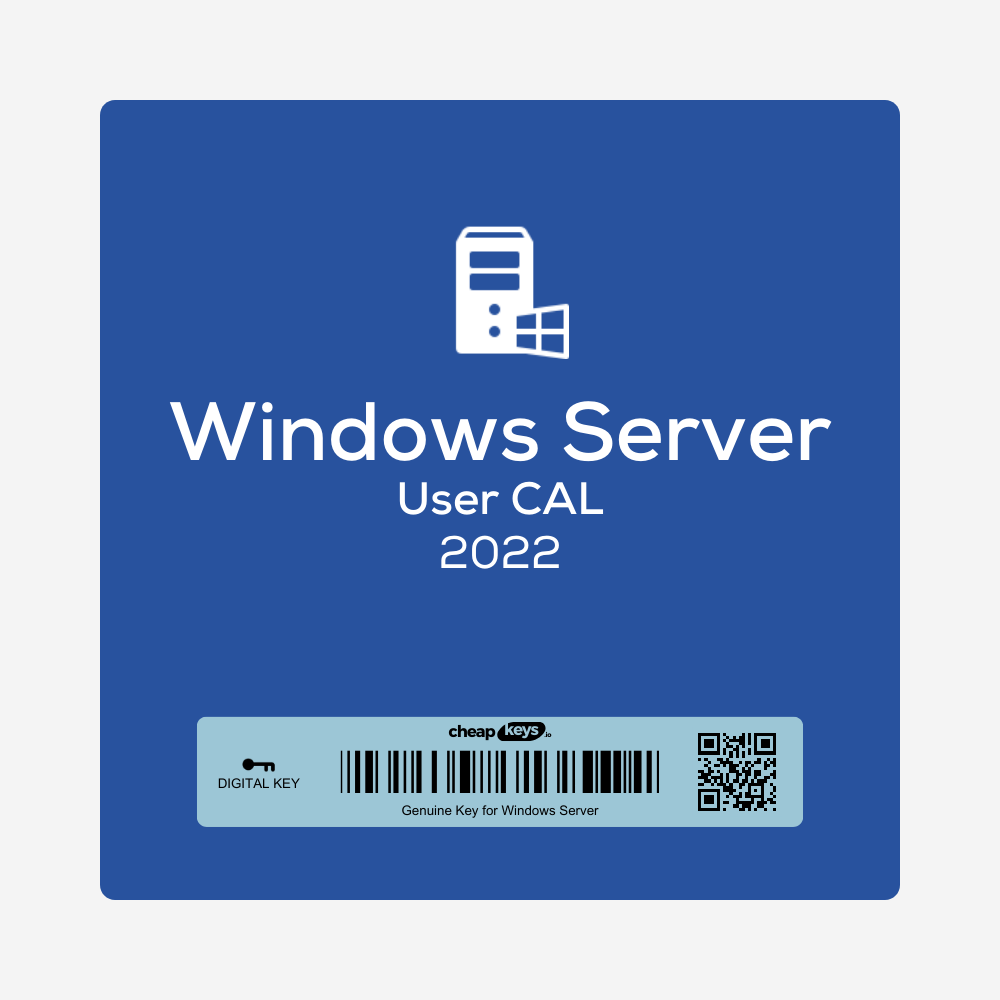

Windows Server 2022 RDS CALs (50 Users)

  • 50 Remote Desktop Services user CALs for Windows Server 2022
  • Lets 50 named users connect to your RD Session Host servers, from any device
  • Installed on your RD License Server with Remote Desktop Licensing Manager
  • Instant delivery by email with installation steps. Won’t install? Tell us within 15 days of your order and we fix it, replace it or refund you.
Brand IconBrandMicrosoft
License Key TypeLicense TypeDigital
Delivery MethodDeliveryInstant Delivery

117.00 €

Description

What you get

After payment you receive the license details for 50 Windows Server 2022 RDS Per User CALs by email, instantly in most cases (a system delay can occasionally add 5–10 minutes). They’re also saved under My Account → Keys.

What are RDS CALs?

To use Remote Desktop Services (remote desktops and RemoteApp programs on an RD Session Host), Microsoft requires a Remote Desktop Services client access license for each user or device that connects. These are Per User CALs: each of the 50 licenses covers one named user, whichever device they connect from. Without installed CALs, RDS only works during its 120-day grace period.

Which servers they work with

  • Windows Server 2022 RDS CALs cover RD Session Hosts running Windows Server 2022 and older versions.
  • The RD License Server that holds them must run Windows Server 2022 or later.
  • For Server 2025 session hosts you need Server 2025 CALs.

How to install the CALs

  1. On your license server, install the Remote Desktop Licensing role service if it isn’t there yet.
  2. Open Remote Desktop Licensing Manager, right-click the server and choose Activate Server (automatic connection).
  3. Right-click the server again, choose Install Licenses, select the license program named in your email and enter the license details.
  4. Choose product version Windows Server 2022, license type RDS Per User CAL and quantity 50.
  5. In your RDS deployment, set the licensing mode to Per User and point it to this license server.

Is it genuine?

Yes. These are genuine Microsoft RDS CALs that install and activate through Microsoft’s licensing service. We buy unused licenses from companies that purchase Microsoft products in large batches and pass the lower price on to you.

If installation fails

Check that the license server runs Windows Server 2022 or later and is activated, and that you chose the license program and details exactly as in the email. Anything else: contact us within 15 days of your order, on live chat or at support@cheapkeys.io. We’ll fix it or replace the licenses, and if no working solution is possible, you get a refund under our refund policy.

Specifications

Product Windows Server 2022 Remote Desktop Services CAL
Type Per User
Quantity 50 users
Works with RD Session Hosts on Windows Server 2022 and older
License server Windows Server 2022 or later
Delivery Instant, by email and under My Account → Keys

Frequently asked questions

Do I also need Windows Server CALs?

Yes, under Microsoft’s licensing each RDS user also needs a Windows Server CAL. RDS CALs cover the Remote Desktop access on top of that.

Are these for 50 users or 50 devices?

50 users. Each named user can connect from any number of devices.

What if the CALs don’t install?

Contact us within 15 days of your order. We fix it or replace the licenses, or refund you if no working solution is possible.

See all Windows Server keys.

Specification

Overview

Brand IconBrandMicrosoft
License Key TypeLicense TypeDigital
Delivery MethodDeliveryInstant Delivery

Customer Reviews

0 reviews
0
0
0
0
0

There are no reviews yet.

Only logged in customers who have purchased this product may leave a review.