What you get
After payment you receive a 25-character Visio Professional 2019 product key by email, instantly in most cases (a system delay can occasionally add 5–10 minutes). The email includes the link to Microsoft’s website and our step-by-step installation guide, and the key is also saved under My Account → Keys.
What is Visio Professional 2019?
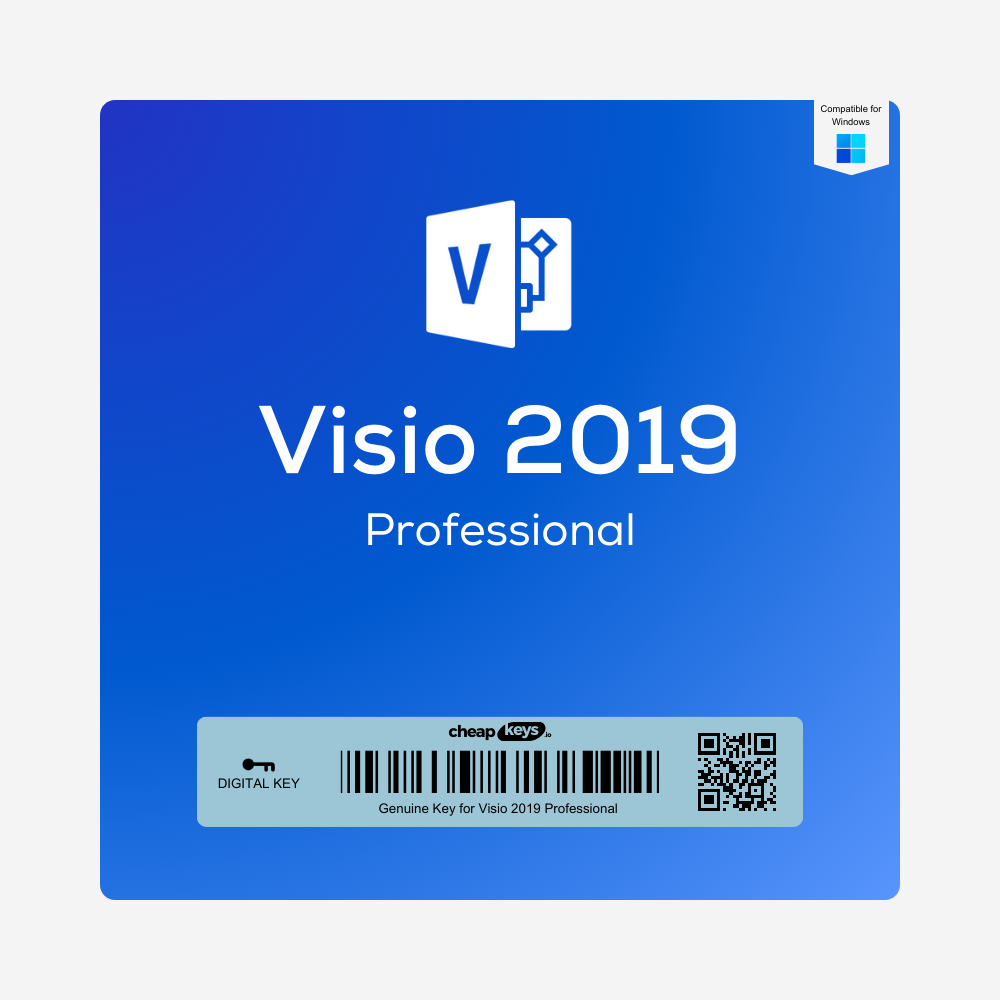
Visio Professional 2019 is the full edition of Microsoft’s diagramming app for Windows. Use it for flowcharts, org charts, floor plans, network and engineering diagrams, UML and database models, and BPMN process maps. Compared with Visio Standard it adds data linking to Excel, SQL Server and SharePoint, data graphics, subprocesses, diagram validation and co-authoring on OneDrive or SharePoint.
Visio 2019 support status
Microsoft ended support for Visio 2019 on 14 October 2025. It still installs, activates and works, but Microsoft no longer releases security updates for it. For a version with a later support date, see Visio 2021 Professional.
License and activation
This is a retail Visio Professional 2019 key for one PC. You redeem it on Microsoft’s official website, setup.office.com, with your Microsoft account, then download Visio from Microsoft and activate it online. The download stays available in your Microsoft account.
Is it genuine? Why is it cheaper than Microsoft’s price?
Yes. It’s a genuine Microsoft key that you redeem and activate on Microsoft’s own website. We buy unused keys from companies that purchase Microsoft licenses in large batches, for a fraction of the retail price, and pass the saving on to you.
How to install and activate Visio 2019
- Uninstall older Visio versions from the PC.
- Go to setup.office.com, select Get Started and sign in with your Microsoft account.
- Enter your product key, choose your language and select Redeem.
- Download Visio from your account and run the installer, in the same 32-bit or 64-bit version as your Office.
- Open Visio. If the activation wizard appears, choose “I want to activate the software over the Internet”.
The full guide: Visio installation and activation guide.
If activation fails
- “This product key can’t be used”: check that you typed the key exactly as in the email.
- Setup stops because of Office: Visio has to match the 32-bit or 64-bit version of your Office installation.
- Anything else: contact us within 15 days of your order, on live chat or at support@cheapkeys.io. We’ll fix it or replace the key, and if no working solution is possible, you get a refund under our refund policy.
System requirements
- Operating system: Windows 10 or Windows 11
- Processor: 1.6 GHz or faster, 2 cores
- Memory: 4 GB RAM for 64-bit, 2 GB for 32-bit
- Disk space: 4 GB available
- Display: 1280 × 768 resolution
Specifications
| Product |
Microsoft Visio Professional 2019 |
| License type |
Retail, one PC |
| Activation |
Redeemed at setup.office.com, activated online |
| Platform |
Windows 10 and 11, 32-bit or 64-bit |
| Microsoft support |
Ended 14 October 2025 |
| Delivery |
Instant, by email and under My Account → Keys |
Frequently asked questions
Does Visio 2019 still work?
Yes. It installs, activates and works as before. Microsoft just no longer releases security updates for it.
Does Visio work on a Mac?
No. The Visio desktop app is for Windows only.
Visio 2019 or Visio 2021?
Both have the same core diagramming features. Visio 2021 is newer and has a later support date (13 October 2026).
What if my key doesn’t work?
Contact us within 15 days of your order. We fix it or replace the key, or refund you if no working solution is possible.


 Brand
Brand License Type
 Delivery
 Overview


Reviews
Clear filtersThere are no reviews yet.