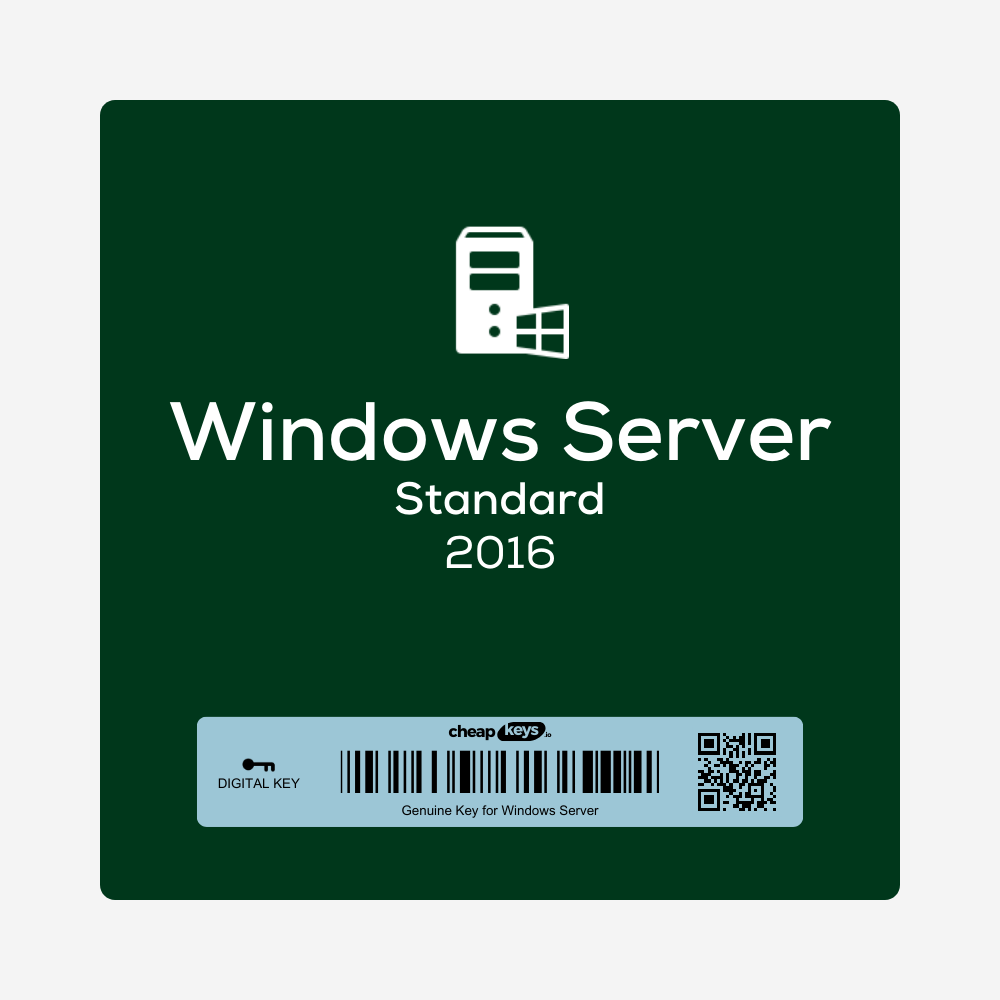

Windows Server 2016 Standard Key
- Windows Server 2016 Standard retail key for one server with up to 16 cores. One-time purchase.
- Run 2 virtual machines with Hyper-V on the licensed server
- Activates online. Turns the free evaluation version into the full version without reinstalling.
- Instant delivery by email with install and activation steps. Key won’t activate? Tell us within 15 days of your order and we fix it, replace it or refund you.
Brand | Microsoft |
|---|---|
License Type | Retail |
Delivery | Instant Delivery |
Description
What you get
After payment you receive a 25-character Windows Server 2016 Standard product key by email, instantly in most cases (a system delay can occasionally add 5–10 minutes). The email includes the download link and the installation and activation steps below, and the key is also saved under My Account → Keys.
Support status: until 12 January 2027
Microsoft provides security updates for Windows Server 2016 until 12 January 2027. It’s a good fit for software that’s certified only for Server 2016. For a new server, choose Server 2022 Standard or Server 2025 Standard, which are supported for years longer.
License: cores, virtual machines and CALs
- One key licenses one physical server with up to 16 cores. A server with more cores needs additional licenses.
- Standard edition lets you run 2 virtual machines with Hyper-V on that server. For more, see Windows Server 2016 Datacenter (unlimited).
- Retail license, activated online.
- Client access licenses (CALs) are sold separately. Remote Desktop users need RDS CALs.
What’s in Windows Server 2016 Standard
- The core server roles: Active Directory, DNS, DHCP, file and storage services, print server and IIS web server
- Hyper-V with nested virtualization, and Windows containers with Docker
- Credential Guard and Just Enough Administration for tighter security
Is it genuine? Why is it cheaper than Microsoft’s price?
Yes. It’s a genuine Microsoft key that activates on Microsoft’s own servers. We buy unused licenses from companies that purchase Microsoft products in large batches and pass the lower price on to you.
How to install and activate Windows Server 2016 Standard
- Download the Windows Server 2016 ISO from the Microsoft Evaluation Center and install Windows Server 2016 Standard.
- Open Command Prompt or PowerShell as administrator and run:
DISM /Online /Set-Edition:ServerStandard /ProductKey:XXXXX-XXXXX-XXXXX-XXXXX-XXXXX /AcceptEula - Restart when asked. The server converts to the full Standard edition and activates online.
- Check the result with
slmgr /dlv.
The full guide: converting an evaluation version to the full version.
If activation fails
- Key not accepted: check that the server runs Windows Server 2016 Standard and, for an evaluation copy, use the DISM command above.
- Anything else: contact us within 15 days of your order, on live chat or at support@cheapkeys.io. We’ll fix it or replace the key, and if no working solution is possible, you get a refund under our refund policy.
Specifications
| Product | Microsoft Windows Server 2016 Standard |
|---|---|
| License type | Retail, one server with up to 16 cores |
| Virtual machines | 2 (Hyper-V) |
| Activation | Online |
| CALs | Not included |
| Microsoft support | Security updates until 12 January 2027 |
| Delivery | Instant, by email and under My Account → Keys |
Frequently asked questions
How many cores does the key cover?
Up to 16 physical cores on one server. A server with more cores needs additional licenses.
What happens after 12 January 2027?
Windows Server 2016 keeps running, but Microsoft stops releasing security updates for it.
What if my key doesn’t work?
Contact us within 15 days of your order. We fix it or replace the key, or refund you if no working solution is possible.
Specification
Overview
Brand | Microsoft |
|---|---|
License Type | Retail |
Delivery | Instant Delivery |
Related Products
Pummel Party CD Key
16.99 €Pax Dei
39.99 €Manor Lords Europe CD Key
Black Desert CD Key
Customer Reviews
Only logged in customers who have purchased this product may leave a review.


Reviews
Clear filtersThere are no reviews yet.