


- Official Microsoft download
- Key by email in minutes
- 15-day fix, replace or refund
- Live chat help 24/7
- Secure payment by Stripe
- Invoice with every order
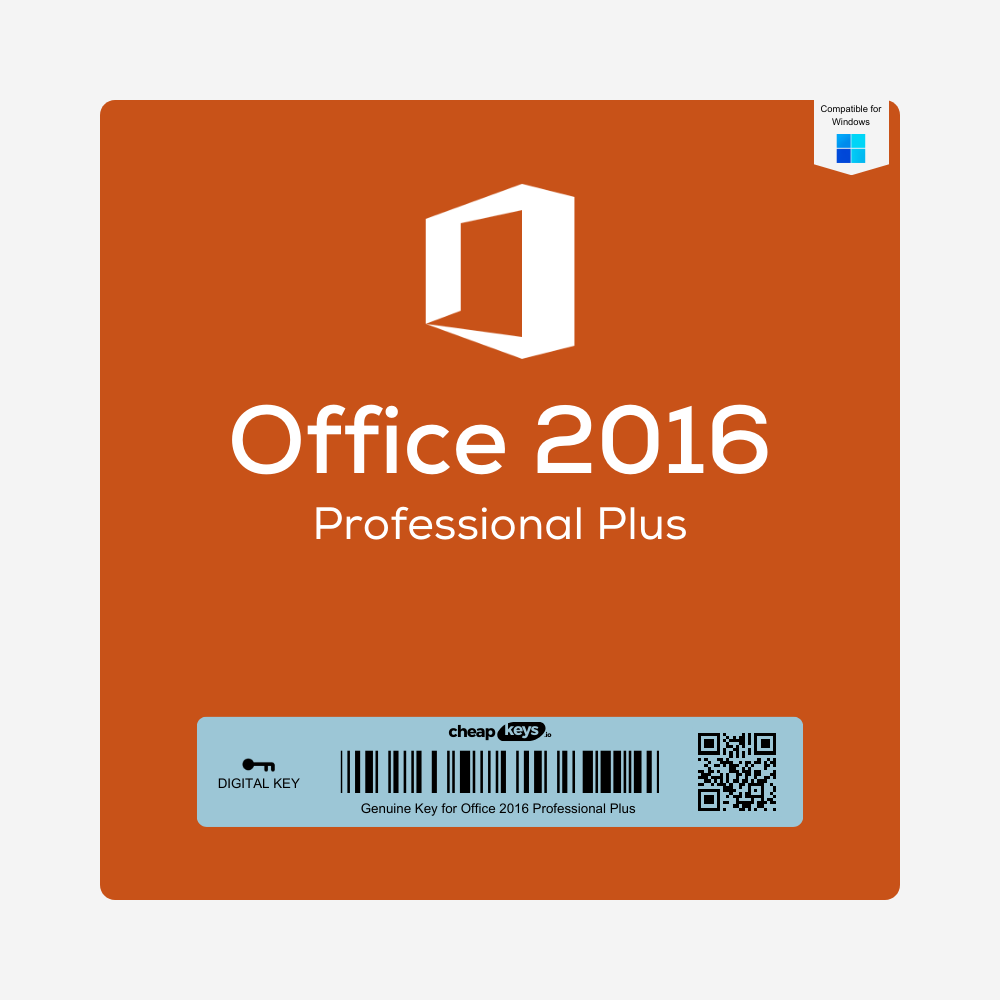
Office 2016 Professional Plus 5-PC Key
- One Office 2016 Professional Plus key for five Windows PCs: Word, Excel, PowerPoint, Outlook, OneNote, Access and Publisher. One-time purchase.
- Install Office from Microsoft on each PC and activate online with the same key
- Instant delivery to your email, with the download link and install steps
- Email & live chat support 24/7. Key won’t activate? Tell us within 15 days of your order and we fix it, replace it or refund you.
Brand | Microsoft |
|---|---|
License Type | Digital |
Delivery | Instant Delivery |
Description
What you get
After payment you receive one 25-character Office 2016 Professional Plus product key by email, and that key activates Office on five PCs. Delivery is instant in most cases (a system delay can occasionally add 5–10 minutes). The email includes the download link and our step-by-step installation guide, and the key is also saved under My Account → Keys.
Who it’s for
The 5-PC key is the lowest-cost way to put the full Office on several Windows computers, for example in a small office or a family. You get the same Office 2016 Professional Plus as with the single-PC key, with one key to keep track of.
What’s in Office 2016 Professional Plus
- Word, Excel and PowerPoint for documents, spreadsheets and presentations
- Outlook for email, calendar and contacts
- OneNote for notes
- Access for databases
- Publisher for flyers, brochures and newsletters
Office 2016 support status
Microsoft ended support for Office 2016 on 14 October 2025. It still installs, activates and works, but Microsoft no longer releases security updates for it. For newer versions on several PCs, see Office 2019 Professional Plus (5 PCs) or Office 2021 Professional Plus (5 PCs).
License and activation
This is one Office 2016 Professional Plus key with five activations. You install Office 2016 Professional Plus from Microsoft on each PC and activate it online with the same key. Each activation stays with the PC it was used on.
Is it genuine? Why is it so cheap?
Yes. It’s a genuine Microsoft key that activates on Microsoft’s own servers. We buy unused keys from companies that purchase Microsoft licenses in large batches and pass the lower price on to you.
How to install and activate on each PC
- Uninstall any other version of Office on the PC, including trial versions.
- Download Office 2016 Professional Plus with the link in your email and run the installer.
- Open Word. When the activation wizard appears, enter your key and choose “I want to activate the software over the Internet”.
- Repeat on the next PC with the same key, up to five PCs.
Tip: keep a list of the PCs you’ve activated. The full guide: Office 2016 installation and activation guide.
If activation fails
- “This product key can’t be used”: check that you typed the key exactly as in the email and that no other Office version is installed on that PC.
- A sixth PC: the key covers five PCs. For more computers, order another key.
- Anything else: contact us within 15 days of your order, on live chat or at support@cheapkeys.io. We’ll fix it or replace the key, and if no working solution is possible, you get a refund under our refund policy.
System requirements (each PC)
- Operating system: Windows 10 or Windows 11
- Processor: 1 GHz or faster
- Memory: 2 GB RAM
- Disk space: 3 GB available
- Display: 1280 × 800 resolution
Specifications
| Product | Microsoft Office Professional Plus 2016 |
|---|---|
| Apps | Word, Excel, PowerPoint, Outlook, OneNote, Access, Publisher |
| License | 5 PCs, one key |
| Activation | Online, once per PC |
| Platform | Windows 10 and 11, 32-bit or 64-bit |
| Microsoft support | Ended 14 October 2025 |
| Delivery | Instant, by email and under My Account → Keys |
Frequently asked questions
Is it one key or five keys?
One key. You enter the same key on each of the five PCs.
Can I use it for my business?
Yes. Professional Plus is the business edition of Office 2016.
Does it work on Windows 11?
Yes. Office 2016 installs and runs on Windows 10 and Windows 11.
What if my key doesn’t work?
Contact us within 15 days of your order. We fix it or replace the key, or refund you if no working solution is possible.
Specification
Overview
Brand | Microsoft |
|---|---|
License Type | Digital |
Delivery | Instant Delivery |
Related Products
Customer Reviews
Only logged in customers who have purchased this product may leave a review.


Reviews
Clear filtersThere are no reviews yet.