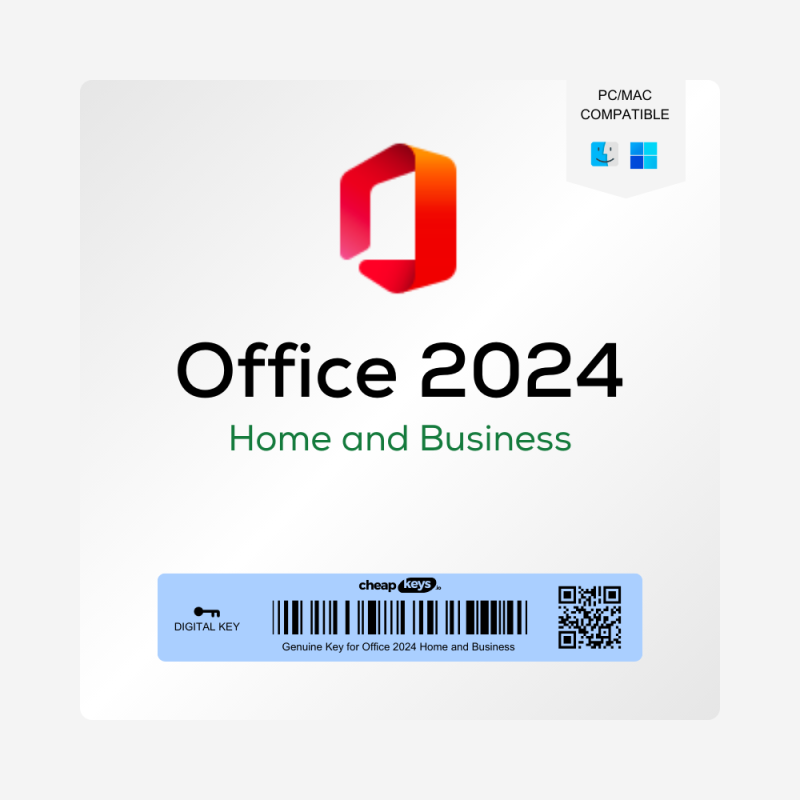
What you get
After payment you receive your 25-character Office Home 2024 product key by email, instantly in most cases (a system delay can occasionally add 5–10 minutes). The email includes the download link and our step-by-step install guide, and the key is also saved under My Account → Keys in case the email lands in your spam folder.
What is Office Home 2024?
Office Home 2024 is Microsoft’s one-time-purchase Office for home and school: Word, Excel, PowerPoint and OneNote for one Windows PC. Microsoft sends security updates until 9 October 2029. It doesn’t include Outlook, Access or Copilot, and Microsoft’s license terms allow home and school use only, not business use.
License and activation
You redeem the key on Microsoft’s official website, setup.office.com, with your Microsoft account. Office is then linked to that account: you install it from your account and manage it there. If you change computers, you can move Office to the new one through your Microsoft account.
Is it genuine?
Yes. It’s a genuine Microsoft key that you redeem and activate on Microsoft’s own website. We state the license type, activation method and device limit before you buy, and the key you receive is exactly the one described: an Office Home 2024 key for one Windows PC, linked to your Microsoft account.
How to install Office Home 2024
- Remove any Office trial that came with your computer, so it doesn’t conflict with the new installation.
- Go to setup.office.com, sign in with your Microsoft account (or create one) and enter your product key.
- Choose your language and click Redeem.
- Install Office from your Microsoft account on your PC.
- Open Word and sign in with the same Microsoft account. Office activates automatically.
Screenshots of every step are in our Office 2024 activation guide.
If activation fails
- The key isn’t accepted: check that you typed it exactly as in the email and that you’re signed in with the Microsoft account you want Office on.
- Anything else: contact us within 15 days of your order, on live chat or at support@cheapkeys.io. We’ll fix it or replace the key, and if no working solution is possible, you get a refund under our refund policy.
Office Home, Home & Business or Professional Plus?
|
Office Home 2024 |
Office Home & Business 2024 |
Office 2024 Professional Plus (LTSC) |
| Apps |
Word, Excel, PowerPoint, OneNote |
Word, Excel, PowerPoint, OneNote, Outlook |
Word, Excel, PowerPoint, OneNote, Outlook, Access |
| Works on |
Windows 10 and 11 |
Windows or Mac |
Windows 10 and 11 |
| Business use |
No (home and school only) |
Yes |
Yes |
| License |
Linked to your Microsoft account; can move to a new computer |
Linked to your Microsoft account; can move to a new computer |
Activated once on one PC; can’t be moved |
| Supported until |
9 October 2029 |
9 October 2029 |
9 October 2029 |
Need Outlook or business use? See Office 2024 Home & Business or Office 2024 Professional Plus, or compare every edition on our Office 2024 keys page.
System requirements
- Windows 10 or Windows 11
- 1.1 GHz or faster processor, 2 cores
- 4 GB RAM
- 4 GB of available disk space
- 1280 × 768 screen resolution
An internet connection is needed to download and activate Office.
Specifications
| Product |
Microsoft Office Home 2024 |
| Apps |
Word, Excel, PowerPoint, OneNote |
| License type |
Retail, one PC, linked to your Microsoft account |
| Use |
Home and school (non-commercial) |
| Activation |
Online, through your Microsoft account |
| Platform |
Windows 10 and 11 |
| Delivery |
Instant, by email and under My Account → Keys |
| Microsoft support until |
9 October 2029 |
Frequently asked questions
Can I use Office Home 2024 for work?
No. Microsoft licenses Office Home for home and school use only. For work, choose Office 2024 Home & Business or Professional Plus.
Does it include Outlook?
No. Outlook is included in Office 2024 Home & Business and Professional Plus.
Does it work on a Mac?
No, this key is for Windows 10 and 11. For a Mac, choose Office 2024 Home & Business, which works on a PC or a Mac.
Is it a subscription?
No. You pay once and keep using it. Microsoft sends security updates until 9 October 2029.
Can I move it to a new computer?
Yes. Office Home is linked to your Microsoft account, so you can install it on your new computer from there.
Does it include Copilot?
No. Copilot comes with Microsoft 365 subscriptions, not with one-time-purchase Office.
How fast is delivery?
Instant in most cases, by email and under My Account → Keys. A system delay can occasionally add 5–10 minutes.
What if my key doesn’t work?
Contact us within 15 days of your order. We fix it or replace the key, or refund you if no working solution is possible.




 Brand
Brand License Type
 Delivery
 Overview