
• Official Microsoft download
  • Key by email in minutes
  • 15-day fix, replace or refund
  • Live chat help 24/7
  • Secure payment by Stripe
  • Invoice with every order

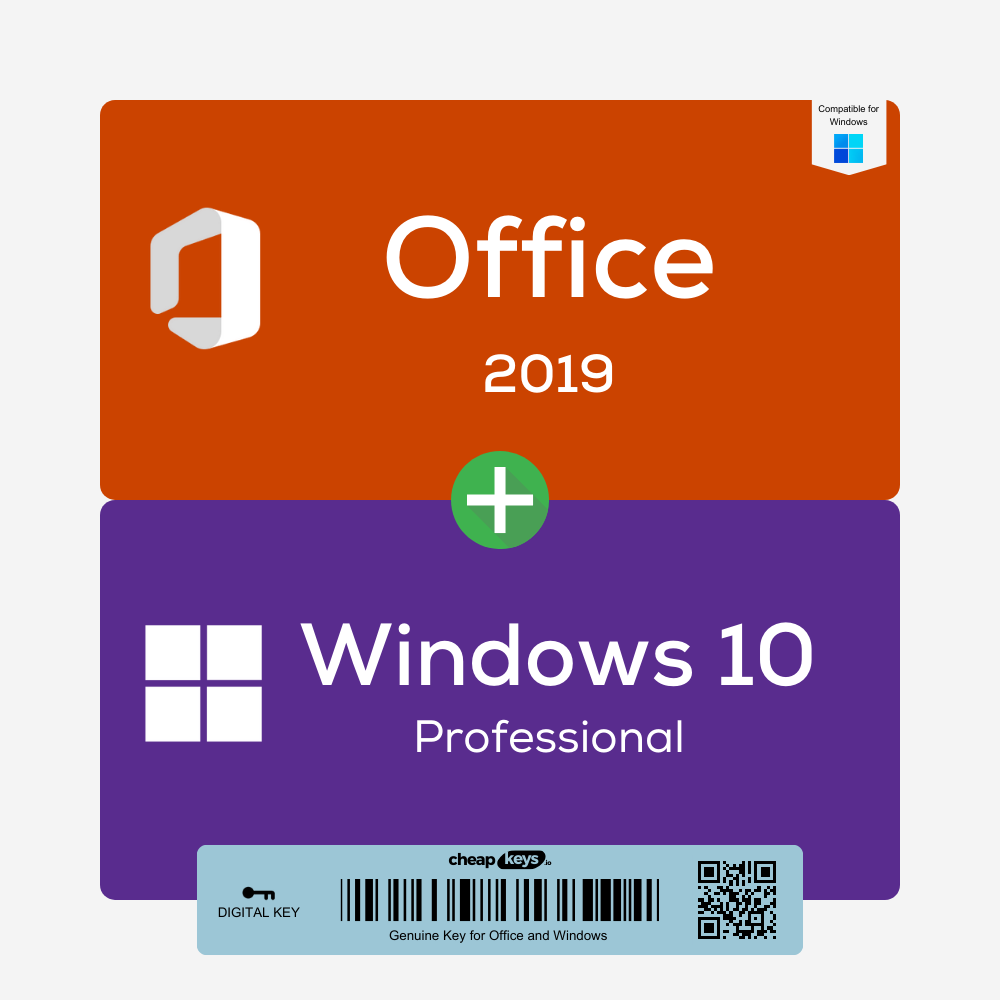
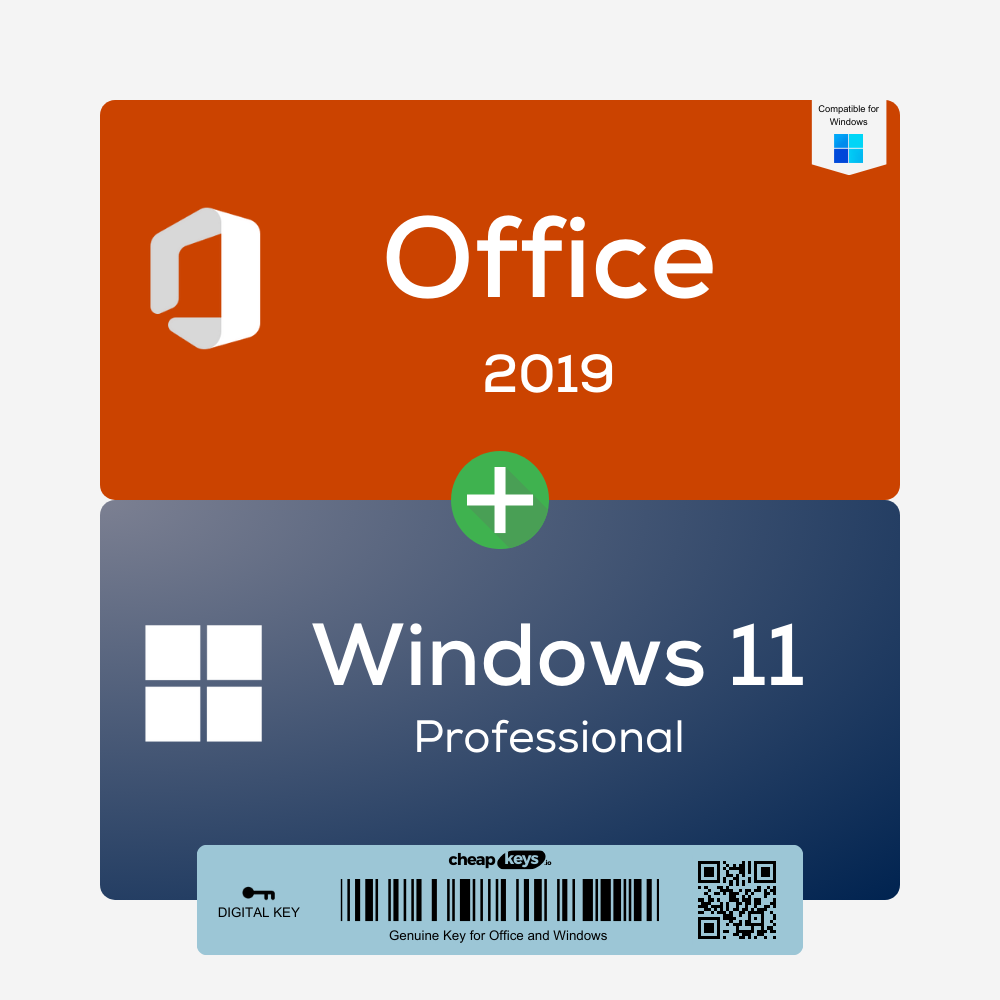
Office 2019 Professional Plus + Windows 11 Pro Bundle

  • Two keys: Windows 11 Pro and Office 2019 Professional Plus, for one PC. One-time purchase.
  • Costs less than buying the two keys separately
  • Both are retail keys, activated online with Microsoft
  • Instant delivery to your email. Key won’t activate? Tell us within 15 days of your order and we fix it, replace it or refund you.
Brand IconBrandMicrosoft
License Key TypeLicense TypeRetail
Delivery MethodDeliveryInstant Delivery

37.01 $

Description

What you get

After payment you receive two product keys by email, instantly in most cases (a system delay can occasionally add 5–10 minutes):

  • a Windows 11 Pro retail key for one PC
  • an Office 2019 Professional Plus retail key for one PC: Word, Excel, PowerPoint, Outlook, OneNote, Access and Publisher

The email includes Microsoft’s download links and our install guides, and both keys are also saved under My Account → Keys. The bundle costs less than buying Windows 11 Pro and Office 2019 Professional Plus separately.

Who it’s for

The lowest-priced way to get Windows 11 Pro and a full Office suite on one PC. Keep in mind that Microsoft ended support for Office 2019 on 14 October 2025: it installs and works, but gets no security updates. If you want a supported Office, choose the Office 2021 + Windows 11 Pro bundle.

License and activation

  • Windows 11 Pro: retail key for one PC, activated online in Settings. You can reinstall Windows on that PC as long as the hardware doesn’t change; the key can’t be moved to another PC. It also upgrades Windows 11 Home to Pro.
  • Office 2019 Professional Plus: retail key for one PC, redeemed at setup.office.com with your Microsoft account, downloaded from Microsoft and activated online.

Is it genuine?

Yes. Both are genuine Microsoft keys that activate on Microsoft’s own servers. We buy unused keys from companies that purchase Microsoft licenses in large batches and pass the lower price on to you.

How to set up your PC

  1. Windows first. On a PC that already runs Windows 11, open Settings > System > Activation > Change product key and enter the Windows key. For a clean installation, use Microsoft’s Media Creation Tool.
  2. Then Office. Go to setup.office.com, sign in with your Microsoft account, redeem the Office key, then download and install Office.
  3. Open Word and sign in if asked. Office activates online.

If activation fails

Contact us within 15 days of your order, on live chat or at support@cheapkeys.io. We’ll fix it or replace the key, and if no working solution is possible, you get a refund under our refund policy.

System requirements

  • Windows 11: compatible 64-bit processor (1 GHz, 2 or more cores), 4 GB RAM, 64 GB storage, UEFI with Secure Boot, TPM 2.0. Check yours with our Windows 11 requirements guide.
  • Office 2019: 1.6 GHz 2-core processor, 4 GB RAM, 4 GB of disk space, 1280 × 768 display.

Specifications

Included Windows 11 Pro key + Office 2019 Professional Plus key
License type Retail, one PC each
Activation Online (Windows in Settings, Office through setup.office.com)
Office support Ended 14 October 2025
Delivery Instant, by email and under My Account → Keys

Frequently asked questions

Does Office 2019 still work?

Yes. It installs, activates and works. Microsoft just no longer releases security updates for it.

Do I get two separate keys?

Yes. One key for Windows 11 Pro and one for Office 2019 Professional Plus.

Is it a subscription?

No. You pay once for both.

What if a key doesn’t work?

Contact us within 15 days of your order. We fix it or replace the key, or refund you if no working solution is possible.

Specification

Overview

Brand IconBrandMicrosoft
License Key TypeLicense TypeRetail
Delivery MethodDeliveryInstant Delivery

Customer Reviews

0 reviews
0
0
0
0
0

There are no reviews yet.

Only logged in customers who have purchased this product may leave a review.